Direct answer: Your practice website needs HIPAA compliance measures if it collects, transmits, or stores protected health information (PHI). This includes contact forms asking about symptoms, appointment scheduling, patient portals, live chat, and payment processing. Under 45 CFR 164.312(e)(1), you must keep PHI away from people who should not see it while it travels over a network.
On a website, HTTPS encryption is the usual way to do that. Under 45 CFR 164.308(b)(1), every third-party vendor that handles PHI through your website requires a signed Business Associate Agreement.
If your practice website collects any patient information, the answer is yes. And most practice websites do, even when the owner does not realize it.
When Your Website Triggers HIPAA
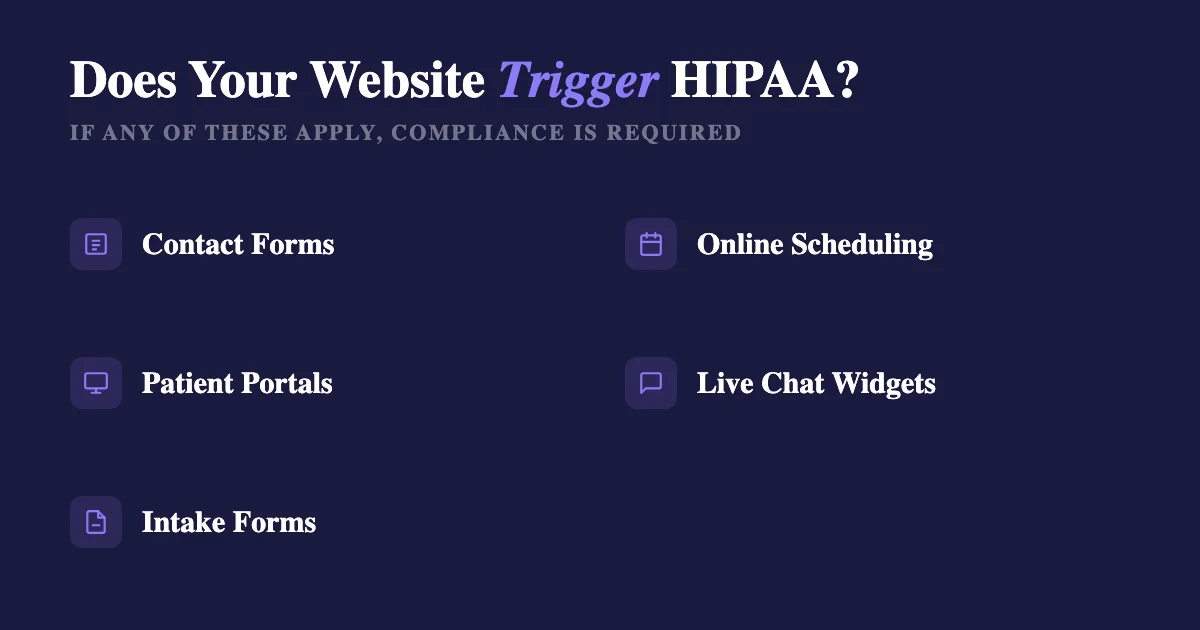
HIPAA applies the moment your website touches protected health information. That includes:
- Contact forms that ask for a reason for visit, symptoms, or insurance information
- Online appointment scheduling where patients select a provider or service type
- Patient portals with login access to records, lab results, or messaging
- Live chat widgets where patients describe health concerns
- Intake forms submitted before a first visit
A simple "Contact Us" form with just a name and phone number is borderline. But if it includes a field like "Describe your concern" or "Insurance provider," you are collecting PHI through your website.
HIPAA Triggers on Your Website: Full Checklist
Use this checklist to identify every point on your website where HIPAA may apply. If any of these are present, your website is handling PHI and must meet HIPAA requirements:
- Contact forms collecting health information: any form with fields for symptoms, conditions, reason for visit, insurance, or treatment history
- Appointment scheduling: especially when patients select provider specialty, service type, or describe the reason for the visit
- Patient portal: login access to medical records, lab results, billing, or secure messaging
- Live chat or chatbot: any tool where patients can describe health concerns in real time
- Payment processing: online payment for healthcare services links financial data to health services, creating PHI
- Email signup with health segmentation: if your email list segments subscribers by condition, treatment type, or health interest, those segments constitute PHI
- Telehealth or virtual visit scheduling: any page facilitating remote healthcare delivery
- Prescription refill requests: medication names and dosages tied to patient identity
What Makes a Website HIPAA Compliant
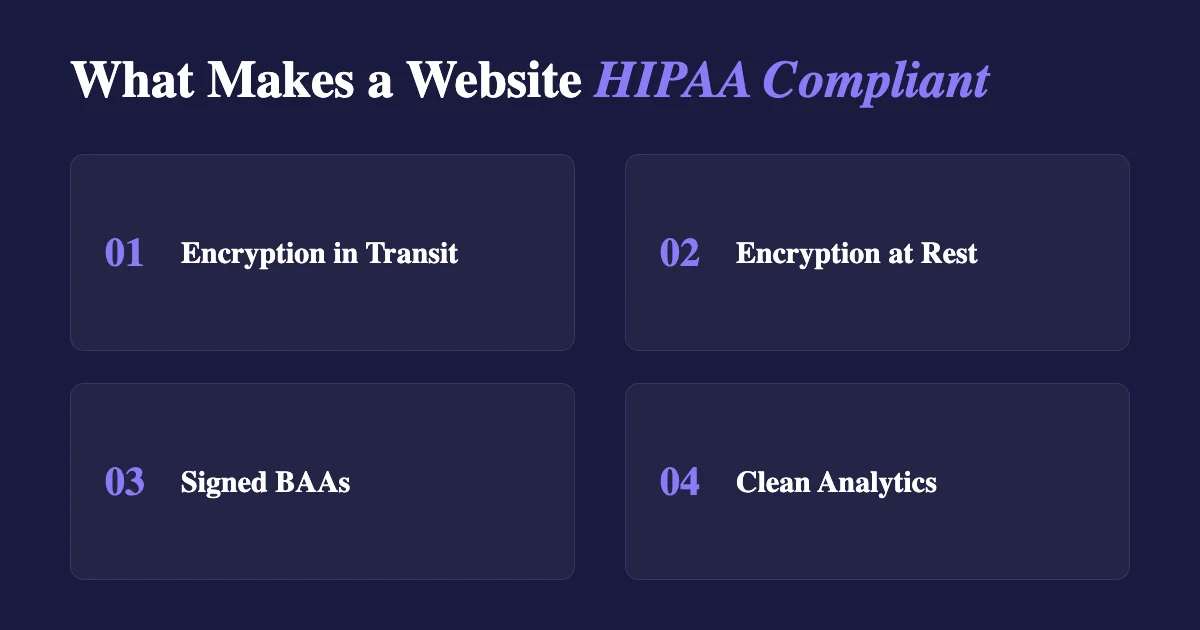
There is no official "HIPAA certified website" designation. Compliance comes down to how the site handles PHI in transit and at rest.
Encryption in transit. Every page must use HTTPS (SSL/TLS). This is the bare minimum in 2026. Google already marks HTTP sites "Not Secure." HIPAA also requires you to protect PHI while it travels over a network (45 CFR 164.312(e)(1)). On a website, HTTPS is the usual way to do that.
Encryption at rest. If form submissions are stored in a database, that database should be encrypted. HIPAA calls encryption "addressable" (45 CFR 164.312(a)(2)(iv)). Addressable does not mean optional. You either encrypt, or you write down why you did not and use another safeguard that works as well. If submissions go to an email inbox, that inbox needs to be HIPAA compliant for email.
Business Associate Agreements. Your website hosting provider, form handler, analytics platform, chat widget vendor, and anyone else who could access PHI through your site needs a signed Business Associate Agreement. Popular hosts and site builders like GoDaddy, Wix, and Squarespace do not sign BAAs on their standard plans. Ask before you assume.
No PHI in analytics. Google Analytics, Facebook Pixel, and similar tracking tools must not capture PHI. The same duty follows when an outside agency runs your website or ads: the agency becomes a business associate with obligations of its own. OCR (the HHS office that enforces HIPAA) put out a bulletin on tracking tools in 2022. Say a patient books through a page called "/appointments/mental-health-evaluation". If your tracker links that visit to who they are, your analytics now hold PHI.
In June 2024, a federal court struck down part of that guidance (American Hospital Association v. Becerra, N.D. Tex.). The struck part said that an IP address (the number that identifies a visitor's internet connection) plus a visit to a public health page with no login is PHI by itself. The rest of the guidance still stands. Trackers on patient portals can still send PHI to the tracking company. So can trackers on pages where patients log in, book, or share health details.
Technical Requirements for a HIPAA-Compliant Website
| Requirement | CFR Citation | What It Means for Your Website |
|---|---|---|
| Transmission security (SSL/TLS) | 45 CFR 164.312(e)(1) | Use HTTPS on every page. It is the usual way to protect PHI while it travels. It is needed, but it is not enough on its own. |
| Access controls | 45 CFR 164.312(a)(1) | Patient portal logins, session timeouts, unique user IDs for staff accessing backend systems. |
| BAA with hosting provider | 45 CFR 164.308(b)(1) | Your web host stores files, databases, and emails. If PHI passes through, they need a BAA. |
| BAA with third-party tools | 45 CFR 164.308(b)(1) | Chat widgets, scheduling tools, analytics, and payment tools that do more than just process a payment: each vendor handling PHI needs a signed BAA. |
| Audit controls and access logging | 45 CFR 164.312(b) | Log who accessed what, when. This applies to patient portal activity and administrative access to backend systems. |
| Encryption at rest | 45 CFR 164.312(a)(2)(iv) | Addressable, which means you do it, or write down why not and what you use instead. Encrypt databases that store form submissions, patient records, or messages. |
| Automatic session timeout | 45 CFR 164.312(a)(2)(iii) | Addressable, which means you do it, or write down why not and what you use instead. Patient portal and staff admin sessions should log out on their own after a set idle time. |
SSL is not enough. Having an SSL certificate (HTTPS) on your website helps meet one standard under 45 CFR 164.312(e)(1): transmission security, which means protecting data while it travels. But SSL alone does not make a website HIPAA compliant. You still need a plan for encrypting stored data, access controls for patient-facing and admin systems, signed BAAs with every vendor, audit logging, and proper analytics configuration. Organizations that stop at "we have SSL" leave most HIPAA website requirements unaddressed.
Common Website HIPAA Violations
These are common HIPAA compliance gaps on healthcare practice websites:
- Unencrypted form submissions. Contact form plugins that email submissions in plain text. The email may travel unencrypted. Then it sits in a regular inbox. That is a gap under HIPAA's rule for protecting data in transit, 45 CFR 164.312(e)(1).
- No BAA with hosting provider. Your hosting company stores your website files, database, and email. If PHI passes through, they are a business associate under 45 CFR 164.308(b)(1) and need a signed agreement.
- Analytics tracking patient portal activity. Google Analytics or other tracking tools capturing URLs like
/portal/lab-resultsor/appointments/psychiatry. These URLs contain PHI when linked to an identifiable individual. - Third-party chat without BAA. Live chat widgets like Drift, Intercom, or Zendesk on patient-facing pages. If patients type health concerns into these tools, PHI is being transmitted to and stored by the chat vendor.
- Unencrypted email notifications. Automated emails triggered by form submissions or appointment requests that include patient details sent via standard SMTP without encryption.
Common Website Mistakes
Using a standard contact form plugin. Most WordPress contact form plugins email submissions in plain text. That email is unencrypted and sits in a standard inbox. If a patient describes symptoms in the message field, you just transmitted and stored PHI without safeguards.
No BAA with the hosting provider. Your hosting company stores your website files, database, and email. If PHI passes through any of those, they are a business associate and need a BAA.
Embedded third-party scheduling tools. Calendly, Acuity, and similar tools may not be HIPAA compliant on their free or standard plans. If patients select appointment types that reveal health conditions, PHI is being processed by that vendor.
Patient testimonials with health details. A testimonial that says "Dr. Smith helped me manage my diabetes" includes PHI if the patient is identifiable. Even with consent, display it carefully.
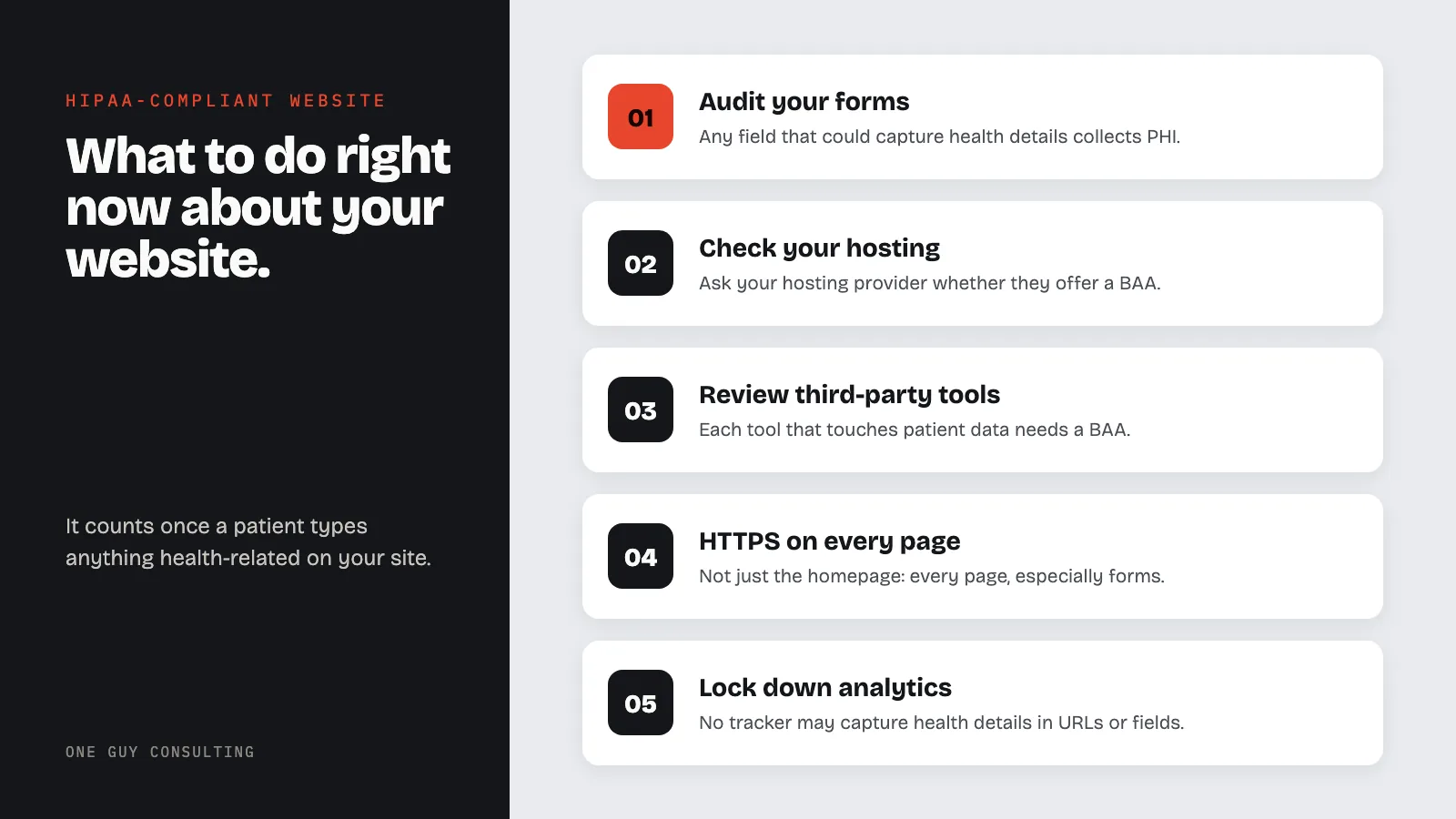
What to Do Right Now
- Audit your forms. List every form on your website. If any field could capture health information, insurance details, or treatment context, it is collecting PHI.
- Check your hosting. Contact your hosting provider and ask if they offer a BAA. If they do not, move to a host that will sign one, or keep PHI off that host.
- Review third-party tools. Chat widgets, scheduling tools, email services, and payment tools that do more than just process a payment: each one that touches patient data needs a BAA.
- Confirm HTTPS everywhere. Not just the homepage. Every page, especially form submission pages.
- Lock down analytics. Ensure no tracking tool captures URLs, form fields, or page titles that reveal patient health information.

The Bottom Line
Most small practice websites are not compliant because the owner assumed a simple site does not count. It counts the moment a patient types something health-related into any field on your site.
A Security Risk Assessment should turn up website gaps. HIPAA calls it a risk analysis. It is a written look at where patient data lives and what could go wrong with it. If you have not done one, that is where to start. Your website is just one piece of the full compliance picture.
Related Reading
- HIPAA Email Compliance Guide
- Business Associate Agreement: Complete Guide
- HIPAA Encryption Requirements
- HIPAA and Social Media: Staff Mistakes to Avoid
- Physical Safeguards: HIPAA Security Rule Requirements
- HIPAA Assessment Guide: Security Risk Assessment Steps
This content is for educational and informational purposes only and should not be construed as legal advice.
Frequently Asked Questions
Does a simple contact form make my website subject to HIPAA?
It depends on what the form collects. A form with only a name and phone number is a gray area. But if the form includes fields like "reason for visit," "describe your symptoms," or "insurance provider," the submission contains protected health information and HIPAA applies to how that data is transmitted and stored.
Is there an official HIPAA certification for websites?
No. There is no government-issued HIPAA certification or seal for websites. Any vendor claiming to offer one is selling a marketing label, not a compliance designation. Compliance depends on how the site handles PHI: encryption, access controls, BAAs with vendors, and proper analytics configuration.
Do I need a BAA with my website hosting provider?
Yes, if any PHI passes through your hosting environment: form submissions stored in a database, emails routed through the server, or patient portal data. Most shared hosting plans from providers like GoDaddy, Bluehost, and Squarespace do not offer BAAs. You may need to upgrade to a HIPAA-eligible hosting tier or migrate to a provider that signs one.
Can I use Google Analytics on a HIPAA-covered website?
You can, but only if it does not capture PHI. That means no tracking of URLs that reveal health conditions, no form field data in events, and no page titles that identify patient visits. In June 2024, a federal court struck down part of OCR's 2022 tracking guidance. The basic rule still stands: PHI must not go to a tracking company without a BAA. Check every analytics and tracking tool you use.
Does HIPAA apply to my practice's social media pages?
HIPAA does not regulate the social media platform itself, but it regulates what your practice posts. If you share patient photos, testimonials with health details, or respond to patient comments in a way that confirms someone is a patient, you may be disclosing PHI. Staff should never discuss identifiable patient information on any social media channel.
Related reading: Is Jotform HIPAA Compliant? Yes on Gold and Enterprise, With a BAA · HIPAA and Tracking Pixels: Where a Practice Site Can Use Analytics