Is QuickBooks HIPAA compliant? No, not in its standard configuration. Intuit says QuickBooks Online is not HIPAA compliant and warns against entering health details that identify a patient. So there is no Business Associate Agreement (BAA, the contract where a vendor promises to protect patient data) for it, and Intuit does not say the desktop version is HIPAA compliant either.
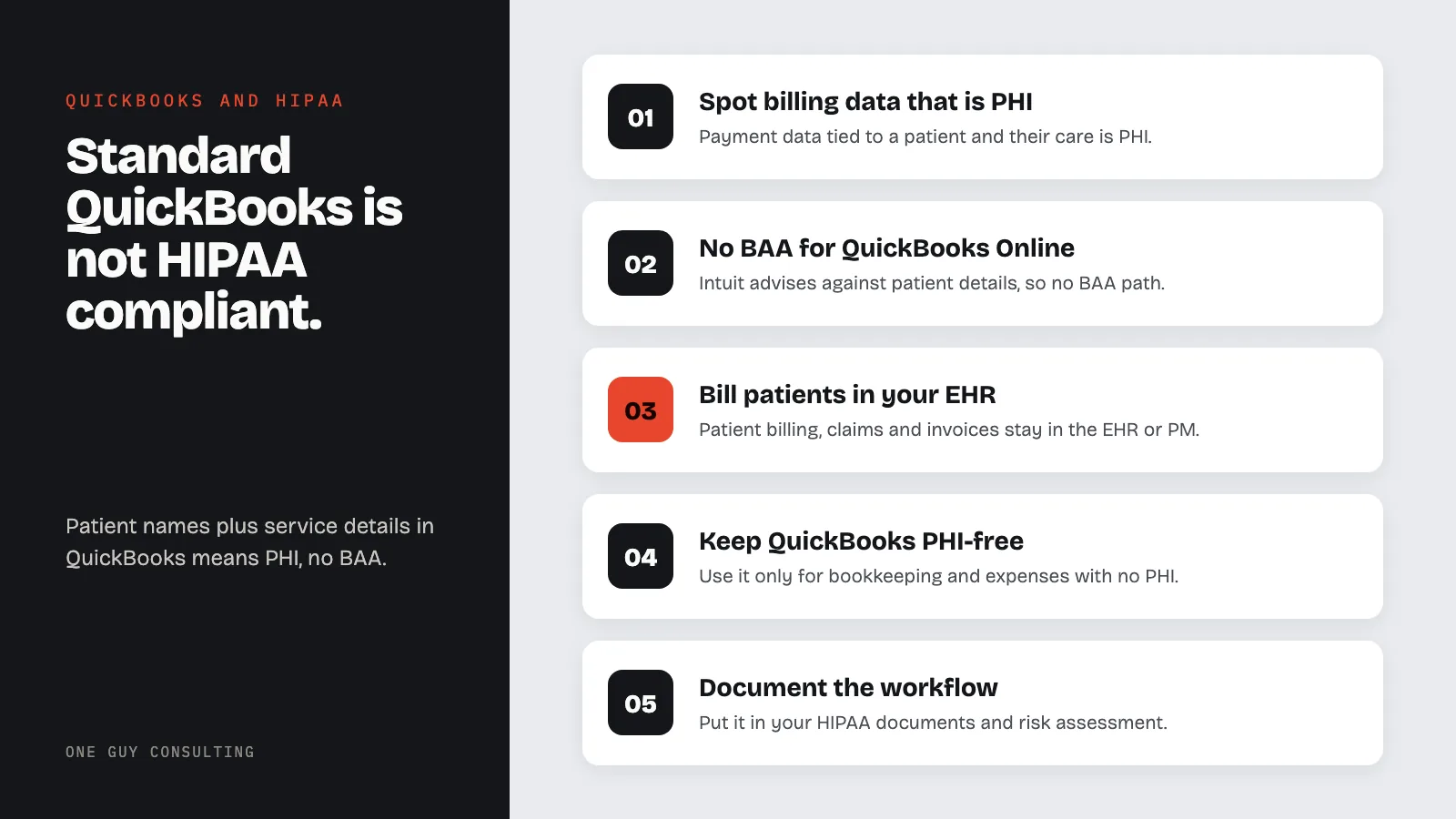
There is one narrow workaround: you can run QuickBooks Desktop through a HIPAA-compliant hosting service that signs a BAA. But for most practices, billing software built for healthcare is often simpler.
Healthcare practices need accounting software. They also handle protected health information in their billing workflows. When those two needs collide in QuickBooks, the result is a compliance gap that most small practices do not realize exists until it becomes a problem.
QuickBooks Online: Not HIPAA Compliant
Intuit's official position is clear: "QuickBooks Online meets industry standards for online security, but is not compliant with the HIPAA standards for privacy." Intuit also advises against entering individually identifiable health information (details that can identify a patient), so there is no Business Associate Agreement path for QuickBooks Online. No plan level changes this. Simple Start, Essentials, Plus, and Advanced are all excluded.
This means healthcare providers cannot use QuickBooks Online to:
- Invoice patients for services where the invoice description reveals health information
- Track insurance claim payments linked to specific diagnoses or procedures
- Store patient payment records that include treatment details
- Process billing that connects patient identities to healthcare services
When Does Billing Data Become PHI?
This is the question that catches most practices off guard. Financial data becomes PHI when it is linked to both an individual's identity and their health condition or healthcare services. Consider these scenarios:
Less detail, still PHI: A patient named Jane Smith pays $150. The invoice says "Office Visit" with no clinical detail. Your practice holds this record, so it still counts as PHI. HIPAA covers a patient's payments for care, not just their diagnosis.
Clearly PHI: Jane Smith pays $150 for "Psychiatric Evaluation, Initial." The invoice now links her identity to a specific healthcare service. Jane Smith pays $75 copay, insurance claim #12345 for CPT code 99213. The CPT code identifies a specific type of medical service, making this PHI.
In practice, most healthcare billing involves enough detail to qualify as PHI. Procedure codes, diagnosis references, insurance claim numbers, and service descriptions routinely appear in invoices and payment records. If your QuickBooks contains any combination of patient names and healthcare service details, you have PHI in a system with no BAA.
QuickBooks Desktop: Also Not Compliant (With a Workaround)
QuickBooks Desktop is not HIPAA compliant out of the box. Intuit does not say Desktop is HIPAA compliant. The only way to get a BAA is through the company that hosts it for you. We explain how that works below.
However, because Desktop is installed software rather than a cloud service, there is a workaround: deploy QuickBooks Desktop on a HIPAA-compliant hosting provider. The hosting provider (not Intuit) signs the BAA, and the hosting environment provides the required access controls, encryption, audit logging, and backup procedures.
This approach works but has significant costs:
- QuickBooks Desktop license: a yearly subscription fee paid to Intuit (Intuit has shifted to annual subscriptions)
- HIPAA hosting service: a monthly fee for each person who logs in, on top of the license
- Setup and configuration: the hosting provider must configure the environment to meet Security Rule requirements
For a small practice with a few users, these costs add up every year. The total can be more than the billing tools built into healthcare billing or practice management software.
The Invoice Problem
A common way PHI ends up in QuickBooks is through invoices. A practice creates an invoice in QuickBooks that includes:
- Patient name and contact information
- Service description (e.g., "Physical Therapy, 4 sessions")
- CPT or billing codes
- Insurance information
- Outstanding balance tied to specific treatments
This invoice is now PHI. It lives in QuickBooks' database, in QuickBooks' backups, in any reports exported from QuickBooks, and in any email sent through QuickBooks' invoicing feature. All of this data exists in a system with no BAA, no HIPAA-compliant audit logging, and no breach notification obligation from Intuit.
Some practices try to work around this by using generic descriptions ("Office Visit" instead of "Psychiatric Evaluation"). This reduces risk but does not eliminate it. The combination of patient identity, a healthcare provider, and a payment for services is still PHI. It also makes your financial records less useful for tracking revenue by service type.
What to Use Instead
Healthcare practices have several options depending on their size and needs:
- Your EHR/PM system's billing module: most practice management systems (athenahealth, AdvancedMD, Tebra, formerly Kareo) include billing and invoicing under their existing BAA. This keeps clinical and financial data in one compliant system
- Sage Intacct: accounting software sold to healthcare organizations. Before any patient details go into it, ask Sage in writing if it will sign a BAA for your account
- Separate accounting: use QuickBooks for general practice accounting (rent, supplies, payroll) and your EHR's billing module for patient-facing invoicing. Keep PHI out of QuickBooks entirely by never entering patient names or service details
The "separate accounting" approach is what most small practices end up doing. Use QuickBooks for bookkeeping and expense tracking where no PHI is involved. Use your EHR or practice management system for all patient billing, insurance claims, and invoicing. This way QuickBooks never touches PHI and no BAA is needed.
Document your billing workflow in your HIPAA documentation and include it in your risk assessment. Staff need clear guidance on which system to use for which purpose.
Can I use QuickBooks if I only enter payment amounts without patient details?
If QuickBooks contains only dollar amounts with no patient names, no service descriptions, and no connection to individual health information, it may fall outside PHI. However, this requires strict discipline. The moment someone enters "Jane Smith copay" or "Physical therapy sessions," PHI exists in the system. Most practices find it impractical to maintain a completely de-identified accounting system, which is why the separate-system approach (QuickBooks for overhead, EHR for patient billing) works better.
Is QuickBooks Payroll HIPAA compliant?
QuickBooks Payroll processes employee data, not patient data. HIPAA applies to protected health information of patients, not employment records. However, your practice's group health plan counts as a health plan under HIPAA in two cases. Either it has 50 or more participants, or an outside administrator runs it. If you track that plan's benefits or claims in QuickBooks, those records could be PHI. For standard payroll processing, QuickBooks Payroll does not raise HIPAA issues.
What about QuickBooks Payments for patient copays?
QuickBooks Payments processes credit card transactions. If the payment description includes health-related service information linked to a patient identity, PHI is involved. A generic charge with no medical details shows less. But a named patient's payment to your practice can still be PHI. The payment record in QuickBooks will still link to the customer (patient) record, which may contain other PHI. Use your EHR's integrated payment processing instead, and confirm that your EHR vendor's BAA covers it.
Does the hosted QuickBooks Desktop workaround actually work?
Yes, technically. When QuickBooks Desktop runs on a HIPAA-compliant hosting provider (an outside company that runs the software for you), the hosting provider signs a BAA and implements the required access controls, encryption, and audit logging. Intuit still does not say the software itself is HIPAA compliant, but the compliance burden shifts to the hosting provider's infrastructure. It works, but it often costs more than using your EHR's built-in billing.
Related HIPAA Compliance Guides
- Is Calendly HIPAA Compliant?
- Is Gmail HIPAA Compliant? Free vs. Workspace Explained
- Is ChatGPT HIPAA Compliant? What Teams Must Know