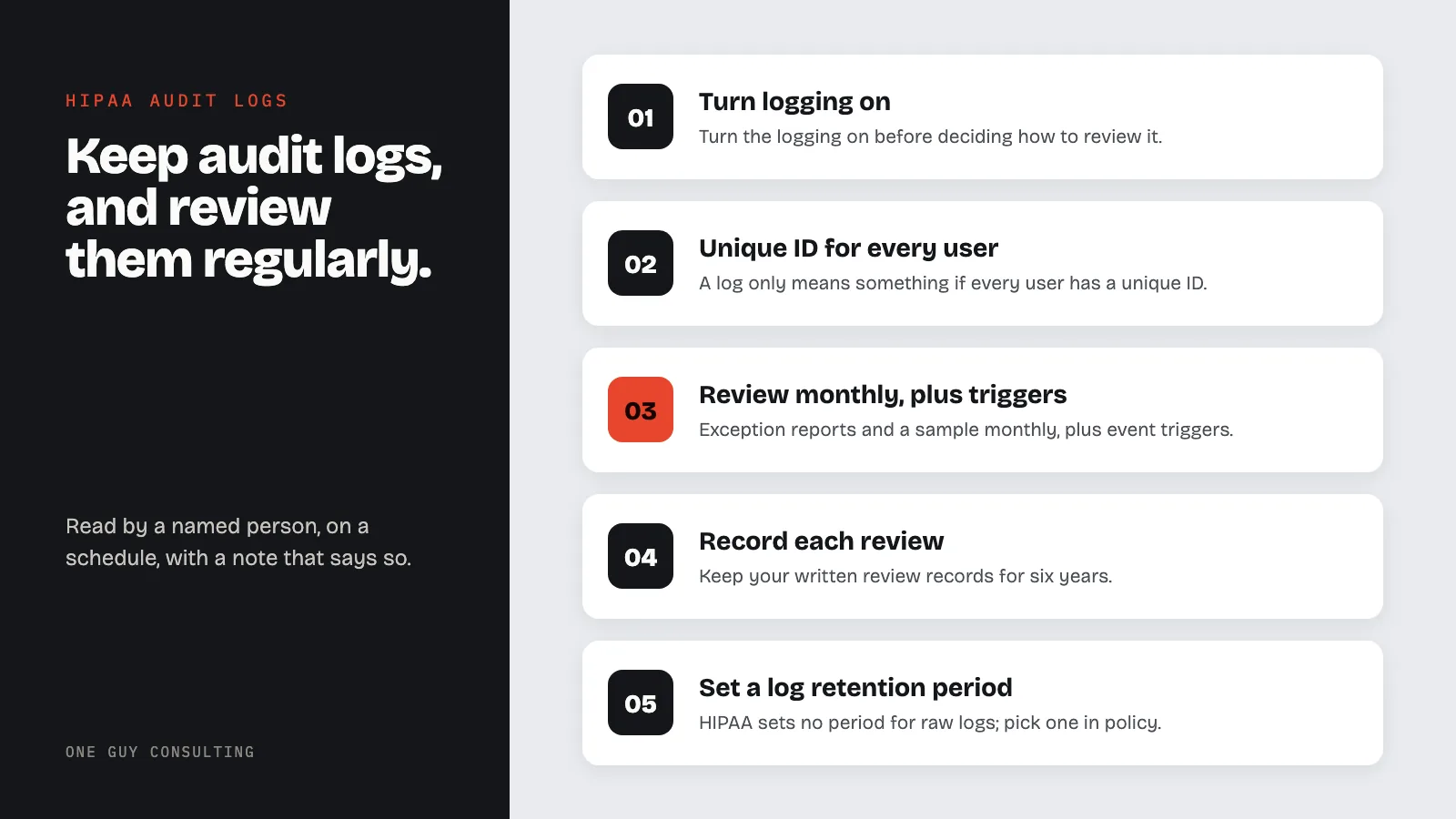
HIPAA requires audit logs and a regular review of them. Your practice must record and check activity in systems that hold patient data. You must review those records on a schedule you set. Keep your written review records for six years. HIPAA does not say how long to keep raw logs, so pick a period in your policy.
A patient calls the practice manager. Her diagnosis, which she has told nobody outside the exam room, came up at a family dinner. Her cousin's roommate works at the front desk. The question she asks is simple: who opened my chart, and when? Either the practice can answer it from a log within the hour, or it cannot, and both answers tell OCR (the HHS Office for Civil Rights, which enforces HIPAA) something.
Audit controls are one of the shortest standards in the Security Rule and one of the most expensive to ignore. On February 16, 2017, OCR announced a $5.5 million settlement that, in its own headline, "shines light on the importance of audit controls." On June 15, 2023, snooping in medical records by hospital security guards led to a $240,000 settlement. Neither case involved a hacker. This post covers what the rule requires, what a log has to contain to be useful, how often someone has to look at it, how long to keep it, and what to write into policy.
HIPAA Audit Logs: Two Required Pieces, One Habit
1. The Rule Has Two Halves
The technical half is 45 CFR 164.312(b), audit controls, a Required standard: "Implement hardware, software, and/or procedural mechanisms that record and examine activity in information systems that contain or use electronic protected health information." Note the two verbs. Record, and examine. A system that logs everything nobody reads satisfies half the sentence.
The administrative half is 164.308(a)(1)(ii)(D), information system activity review, also Required: "Implement procedures to regularly review records of information system activity, such as audit logs, access reports, and security incident tracking reports." The rule does not define "regularly." It expects the practice to pick a cadence, write it down, and follow it.
A third piece, log-in monitoring at 164.308(a)(5)(ii)(C), is Addressable: "procedures for monitoring log-in attempts and reporting discrepancies." Addressable means you put it in place if it is reasonable and appropriate for your practice. If it is not, you write down why. Then you use another measure that does the same job, if that is reasonable.
Two things make a log worth reading. Unique user identification under 164.312(a)(2)(i), Required, so that each entry names a person rather than "frontdesk." And a written access policy under 164.308(a)(4), so that a reviewer knows what "authorized" looks like and can spot the exception. Both are set out in the ePHI access control guide.
2. What to Log, System by System
Most small practices already generate the logs. The EHR has an access audit trail. Email platforms, cloud drives, remote access tools, and the practice management system all record sign-ins and, usually, record views and exports. The work is knowing where each log lives, turning on the ones that are off by default, and deciding who looks at what.
| System | Events worth recording | Review cadence | Who reviews |
|---|---|---|---|
| EHR and practice management | Chart opened (user, patient, timestamp), record printed or exported, break-the-glass use, after-hours access, records of staff and their family members | Monthly sample plus every complaint | Privacy officer |
| Email and cloud files | Sign-ins by location and device, failed logins, mass downloads, external sharing, mailbox forwarding rules | Monthly | Security official or IT vendor |
| Remote access, VPN, remote desktop | Every session: who, from where, how long; failed attempts | Weekly automated report, monthly review | Security official |
| Servers and firewalls | Admin logins, configuration changes, new accounts, disabled security tools | Monthly, and after any change | IT vendor with a written summary to the practice |
| Account lifecycle | Accounts created, role changes, accounts disabled on departure date | Each event, plus quarterly reconciliation against the staff list | Practice manager and privacy officer |
The account lifecycle row is where a surprising number of cases begin. On October 30, 2020, OCR announced a settlement with a city health department that did not shut off a former employee's access, and on December 11, 2018, a settlement with a Colorado hospital that "failed to terminate former employee's access to electronic protected health information." An audit log reveals an ex-employee still logging in; a quarterly reconciliation prevents it. Both connect to the termination procedures post.
Turn the logging on before deciding how to review it. Several common platforms ship with detailed audit logging disabled or set to a short retention window, and a log that was never enabled cannot be reviewed later. The first task in the table is therefore a settings check, system by system, with the result written down.
3. What "Regularly Review" Looks Like in a Small Practice
Nobody in a five-person office is reading every log line. A review procedure that works has three parts. First, exception reports: the EHR's report of after-hours access, access to records of employees and their family members, and records flagged as sensitive. Second, a sample: ten random chart accesses a month, checked against the schedule to confirm each user had a reason to be in that chart. Third, triggers: every patient complaint, every suspected incident, and every departure gets a targeted log pull.
Then write down that it happened. The review record is the evidence. 164.316(b)(1)(ii) requires a written record of any "action, activity or assessment" that the Security Rule says must be documented, and (b)(2)(i) requires that documentation be kept for six years. A one-line entry per month ("Reviewed EHR exception report and 10-chart sample for August; no findings; J. Smith, 9/4/2026") is enough. The evidence expectations are laid out in the audit-proof checklist.
4. How Long to Keep the Logs Themselves
Here is a distinction most policies blur. The six-year rule in 164.316(b)(2)(i) applies to documentation the Security Rule requires: policies, procedures, and records of required activities such as the reviews above. The Security Rule does not state a retention period for raw audit log data. The practice sets one in policy, based on its risk analysis, its EHR vendor's capabilities, and any state or payer rule. A sensible floor for a small practice is long enough to answer a patient's accounting request under 164.528, which reaches back six years for disclosures, and long enough to investigate an incident discovered late. Whatever the number, it must be written and the system configured to match; a policy that says seven years while the EHR purges at ninety days is a finding.
5. The Complaint Test
Go back to the phone call. With a working program, the manager pulls the patient's chart access history, sees the front desk employee opened the record on a date with no visit or billing reason, confirms the role did not require it, and has a documented incident by the end of the day. The sanction policy under 164.308(a)(1)(ii)(C) and 164.530(e) applies, the incident is documented under 164.308(a)(6)(ii), and the breach risk assessment under 164.402 runs. The full workflow is in the incident management guide.
Without a working program, the manager cannot say who accessed the record, cannot rule out anyone, and has to explain to OCR why a Required standard was not implemented. The snooping itself was a Privacy Rule problem. The inability to detect it is a separate Security Rule problem, and that second finding is entirely avoidable.
6. The Proposed Rule Would Make This Explicit
The Security Rule update HHS proposed on January 6, 2025 would replace today's one-sentence standard with a proposed 164.312(d), "Audit trail and system log controls," requiring controls that "monitor in real-time all activity" in relevant systems, "record in real-time all activity," and "retain records of all activity" for the period set by the practice's activity review procedures. It is a proposal, not law, and OCR is not enforcing it. It does show that "record and examine" is the floor, not the ceiling. The status of that rulemaking is in the Security Rule delay post.
7. What to Write Into Policy
- The systems that hold or touch ePHI, and for each, where its audit log lives and which events are enabled.
- The reviewer by role, the cadence (monthly exception reports and sample; weekly remote-access report), and the trigger events (complaints, incidents, departures).
- What counts as an exception: after-hours access without an on-call reason, access to staff or family records, exports over a set size, logins from outside the country, failed-login bursts.
- The escalation path from exception to incident, referencing the incident and sanction policies.
- Log retention by system, matched to the system's actual configuration.
- The review record format and its six-year retention under 164.316(b)(2)(i).
- The annual check that unique user IDs exist everywhere (164.312(a)(2)(i)), because a log of "frontdesk" is not an audit trail.
The documentation requirements guide covers where these records sit in the binder. NIST Special Publication 800-92, the Guide to Computer Security Log Management, is the reference if you want the long version. The short version is that the log exists to be read, by a named person, on a schedule, with a note that says it was.
FAQ
Are audit logs required under HIPAA?
Yes. 45 CFR 164.312(b) audit controls is a Required standard, and 164.308(a)(1)(ii)(D) requires procedures to regularly review records of information system activity such as audit logs and access reports.
How often must HIPAA audit logs be reviewed?
The rule says "regularly" and sets no interval. A documented monthly review of exception reports plus a random sample, with additional reviews triggered by complaints, incidents, and departures, is a defensible small-practice cadence.
How long must HIPAA audit logs be kept?
HIPAA sets no retention period for raw logs. The review records and the policy are documentation kept six years under 164.316(b)(2)(i). Set a log retention period in policy and configure each system to match it.
What should an EHR audit log show?
Which user opened which record, when, and what was done (viewed, printed, exported), which is only meaningful if every user has a unique ID under 164.312(a)(2)(i).
Does a small practice really need an audit log program?
Yes. The standard applies to every covered entity and business associate regardless of size, and snooping by a workforce member is detected, or not, by exactly this control.
An activity review program for a small practice is a list of systems, a monthly report, a ten-chart sample, and a signed line saying it happened. One Guy Consulting's Full-Scope plan includes policy and procedure templates, an incident management system, and 4 hours a month of 1:1 implementation calls with Chuck. Start with a free 30-minute intro call. No obligation, no pressure.
Sources
- 45 CFR 164.312 (technical safeguards: audit controls, unique user identification)
- 45 CFR 164.308 (administrative safeguards: information system activity review, log-in monitoring, sanctions, incident procedures)
- 45 CFR 164.316 (documentation requirements and six-year retention)
- 45 CFR 164.528 (accounting of disclosures)
- 45 CFR 164.530 (sanctions)
- NIST SP 800-92, Guide to Computer Security Log Management
- HHS, HIPAA Security Rule To Strengthen the Cybersecurity of Electronic Protected Health Information, proposed rule, 90 FR 898 (January 6, 2025)
Related Reading