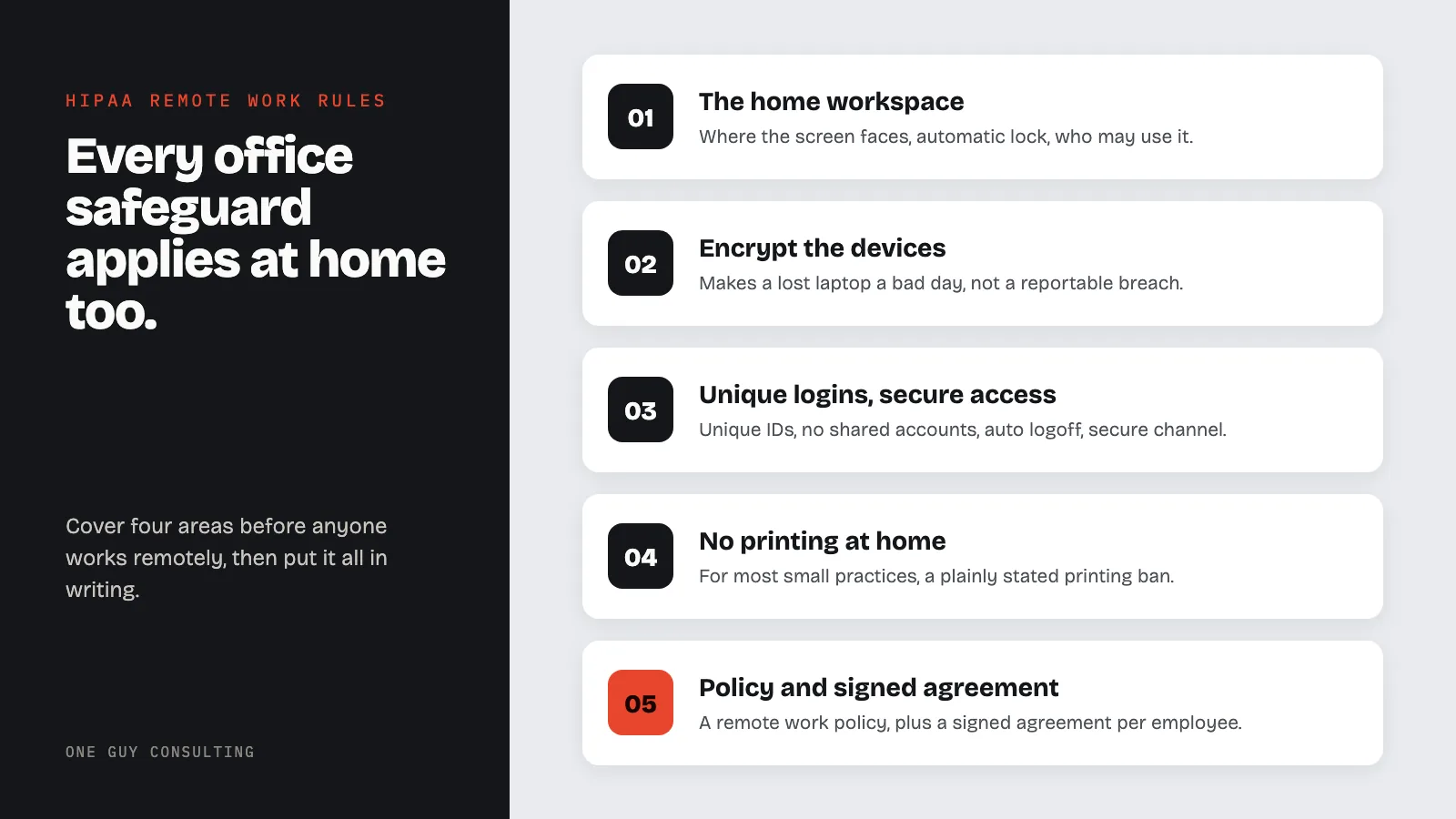
HIPAA allows staff to work from home. But every office safeguard applies at home too. Before anyone works remotely, cover four areas. These are the home workspace, the devices that hold patient data (PHI), secure logins for each person, and paper records. Then put it all in a written policy and a signed agreement.
Somewhere in your practice there is probably a biller or a scheduler who has worked from a kitchen table since 2020. The arrangement works fine. Everyone likes it. And in many small practices, nothing about it has ever been written down, reviewed, or secured beyond "she uses the portal."
Here is the good news first: HIPAA does not prohibit remote work. Nothing in the Privacy Rule or Security Rule says P.H.I. (Protected Health Information) must be touched only inside the office. The rules are location-neutral. That is also the bad news, because it means every safeguard that applies in your office applies identically at that kitchen table, and many practices have not set the kitchen table up that way.
HIPAA Remote Work Rules: The Four Areas That Must Be Covered
1. The Workstation Rules Travel With the Work
The Security Rule's workstation standards were written before remote work was common, and they cover it anyway. 45 CFR 164.310(b) requires policies specifying "the proper functions to be performed, the manner in which those functions are to be performed, and the physical attributes of the surroundings" of any workstation that touches ePHI. 164.310(c) requires physical safeguards restricting those workstations to authorized users.
"Physical attributes of the surroundings" is your home office clause. In practice it means your policy states: where the screen faces (not at a window or shared room traffic), automatic screen lock, and who may use the machine. That last one is the big one. A family-shared computer is a common remote work failure. The machine that touches ePHI is a work machine, full stop, even if the practice did not buy it.
2. Devices and Media: Track What Leaves
164.310(d) requires policies governing "the receipt and removal of hardware and electronic media" containing ePHI "into and out of a facility." A laptop that commutes is exactly what this covers. You need to know which devices hold or access ePHI, who has them, and what happens when one is lost, sold, or retired.
Encryption is the safeguard that makes a lost laptop a bad day instead of a reportable breach: encrypted-and-lost generally does not trigger notification, unencrypted-and-lost generally does. Full-disk encryption is built into most modern laptops and often costs nothing to turn on. The device details are in the mobile device security article, and the day-one response to a lost device is in the lost device incident guide.
3. Access: Unique Logins, Locked Doors, and MFA
Remote access multiplies the value of the basics: unique user IDs for every person, no shared accounts, automatic logoff, and access through a secured channel rather than a browser tab on any machine that finds the password. Set access by role, per the ePHI access control practices, so the remote biller sees billing, not the whole chart.
On multifactor authentication: turn it on everywhere your systems support it. The proposed Security Rule update would make MFA an explicit requirement, and the plain-English state of that proposal is covered in the MFA and HIPAA guide. That proposal is not law yet. You do not need to wait for a final rule to turn MFA on.
4. Paper at Home Is Still PHI
The quiet leak in remote work is the printer. Printed schedules, EOBs, and superbills at a home office are P.H.I. with none of the office's protections: no locked cabinet, no shredder, and a municipal recycling bin as the disposal plan. The workable policy for most small practices is a printing ban for remote staff, stated plainly. If printing is genuinely necessary, the policy must supply the locked storage, the transport rule, and shredding, not hope.
Put It in Writing: The Remote Work Agreement
All of the above condenses into two documents. First, a remote work policy: who may work remotely, which systems they may access, and the required setup. Second, a short signed agreement per remote employee covering the specific machine, the encryption status, the screen and household rules, the printing rule, and what to do within the first hour if a device is lost.
Then train it, once a year, alongside the rest of workforce training, and include the home setups in your device and IT audits. When a risk assessment asks "where is ePHI accessed?", the honest answer now includes four living rooms. The paperwork should say so too. That is not extra credit. It is the same Security Rule you already follow, applied to where the work actually happens.
FAQ
Is it a HIPAA violation for staff to work from home?
No. HIPAA permits remote work. The violation risk comes from missing safeguards: unencrypted devices, shared computers, no written policy, and unsupervised paper records.
Can remote staff use a personal computer for work?
Only if it meets the same standards as an office machine: restricted to the employee, screen lock, encryption, current updates, and access through approved channels. A family-shared computer does not qualify.
Is MFA required for remote access under HIPAA?
Not by name today. A proposed update to the Security Rule, published in January 2025, would require multifactor authentication (MFA) by name. That proposal is not law yet. Turning MFA on now is still a simple way to protect remote access to electronic patient data (ePHI).
Can remote employees print documents with PHI at home?
The cleanest policy is no. If printing is truly necessary, the policy must provide locked storage, rules for transport, and shredding. Home recycling is not PHI disposal.
What should a remote work agreement include?
The specific device, its encryption status, screen and household access rules, approved systems, the printing rule, and the lost-device reporting procedure with a deadline measured in hours.
If someone on your team has been remote since 2020 and there is still no written remote work policy, you are overdue, not doomed. One Guy Consulting's Full-Scope plan includes policy and procedure templates. It also includes 4 hours a month of 1:1 implementation calls with Chuck, who walks you through getting every home setup written down. Start with a free 30-minute intro call. No obligation, no pressure.
Sources
- 45 CFR 164.310 (physical safeguards)
- 45 CFR 164.312 (technical safeguards)
- HHS Security Rule guidance material
Related Reading