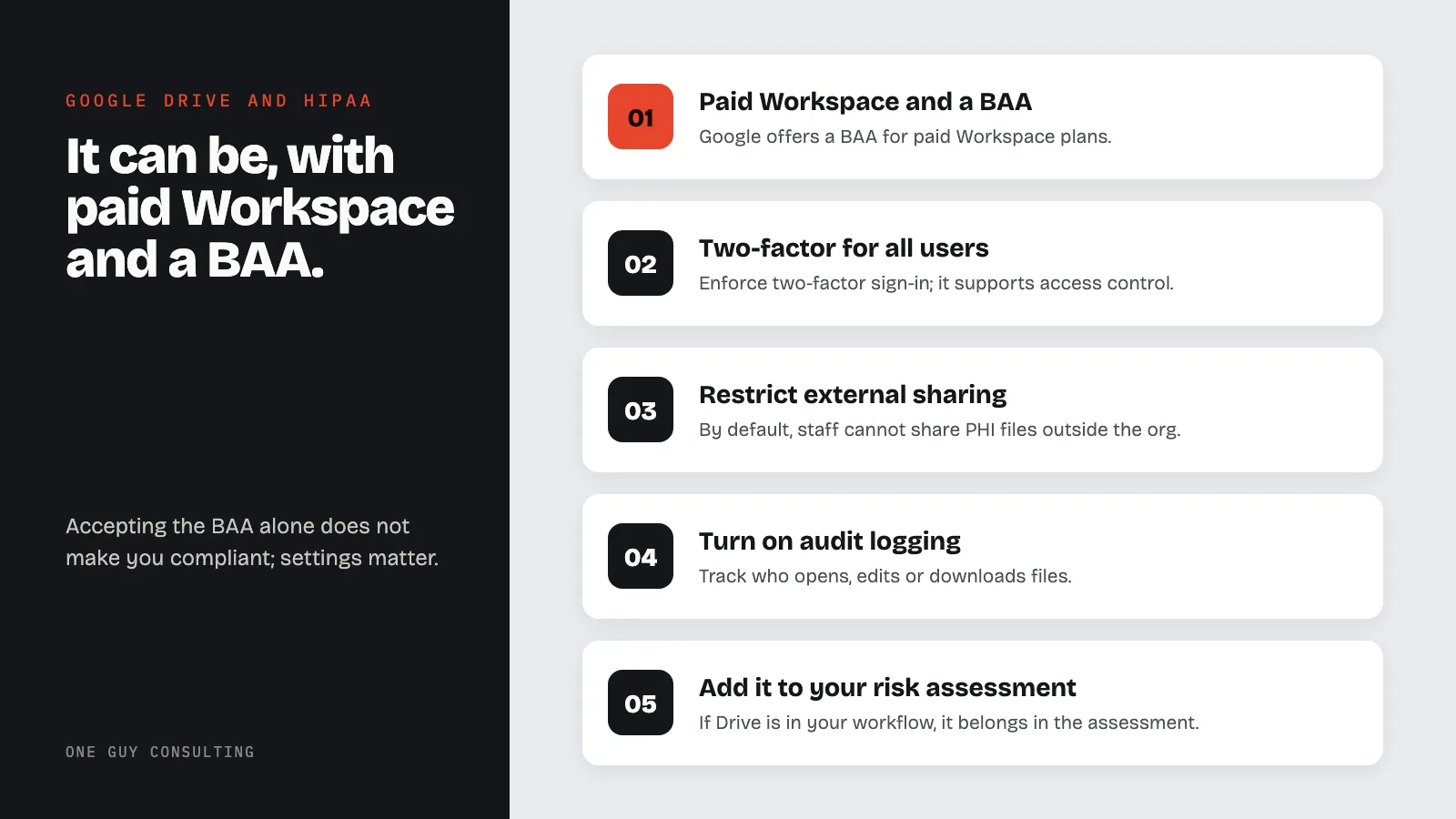
Is Google Drive HIPAA compliant? It can be, but only with a paid Google Workspace plan, a signed Business Associate Agreement, and proper security configuration. Free Gmail accounts with Google Drive do not qualify and should never be used to store or share protected health information.
Many healthcare offices use Google Drive to store files. Staff use it for shared documents, intake forms, spreadsheets, and internal notes. The question is whether it meets HIPAA requirements. The answer depends on how your account is set up.
Which Google Plans Support HIPAA Compliance?
Google offers a Business Associate Agreement for paid Google Workspace plans. The services covered under the BAA include:
- Google Drive (file storage and sharing)
- Gmail (when used through Workspace, not free @gmail.com)
- Google Docs, Sheets, Slides, and Forms
- Google Meet (video conferencing)
- Google Calendar
- Google Chat
Free personal Google accounts (@gmail.com) are not eligible. Google does not sign a BAA for them. If your staff stores patient information on a personal Google Drive, that is a potential HIPAA violation regardless of the content.
How to Get a BAA from Google
The process is straightforward for Workspace admins:
- Log into the Google Admin console (admin.google.com) with a super administrator account
- Go to Account settings > Legal and compliance
- Find the HIPAA Business Associate Addendum section
- Review and accept the agreement
The BAA covers all core Workspace services listed above. It does not cover third-party apps or add-ons. Google calls it a "Business Associate Addendum." It is not a separate agreement. It adds to and changes your existing Google Workspace terms.
Once accepted, the BAA applies to your entire organization's Workspace account. But accepting the BAA alone does not make your setup compliant. Configuration matters.
Key Security Settings
After signing the BAA, your Google Workspace admin should set up these settings to support HIPAA compliance. HIPAA does not name these exact settings. They are common ways to meet its security rules.
- Enforce two-factor authentication for all users. It supports access control. It also helps with the rule that you confirm each person logging in is who they say they are (§164.312(d)).
- Restrict external file sharing so staff cannot share PHI-containing documents outside your organization by default
- Disable link sharing for files containing PHI. Use named-user sharing only.
- Enable audit logging to track who accesses, edits, or downloads files
- Set data loss prevention (DLP) rules, if your plan includes them, to flag or block PHI from being shared externally
- Configure mobile device management so lost devices can be remotely wiped
These settings map to the technical safeguards required under 45 CFR §164.312, including access controls, audit controls, and transmission security.
What About Google's AI Features?
Google has built Gemini AI into Workspace. Google's BAA lists "Gemini in Workspace" as "Included Functionality." That means the BAA covers it when you use it inside your managed Workspace account. Gemini in Chrome is not covered. Your practice should check which AI features are turned on. Then decide whether they create risk for PHI stored in Drive, Docs, or Sheets.
If your team uses AI-powered features like Smart Compose, document summaries, or suggested edits on files containing PHI, verify that these features are covered under your BAA and that data processing stays within your organization's Workspace environment. Disable any AI features you cannot account for in your risk assessment.
Common Mistakes with Google Drive and HIPAA
Using personal Gmail accounts for work. Staff who use their personal Google accounts to store or share patient files are sharing PHI outside any BAA. This is a common mistake, and an easy one to prevent.
Sharing files via public links. Google Drive lets users set a file to "Anyone with the link." Then anyone who has the URL can open it. Files with PHI should be shared only with named users inside your organization.
No admin-level security settings. Some practices sign the BAA but never set up two-factor authentication, DLP rules, or external sharing limits. The BAA is a contract. It does not lock down your account by itself.
Forgetting mobile access. Staff who access Google Drive from personal phones create risk if the device is lost or stolen. The Security Rule has device and media controls (§164.310(d)). They require policies for devices and storage media that hold PHI. Mobile device management is one way to meet them.
No risk assessment that includes Google Drive. If Drive is part of your workflow, it must be in your risk assessment. Document what PHI is stored, who has access, and what controls are in place.
Google Drive HIPAA Setup Checklist
- Subscribe to a paid Google Workspace plan
- Accept the BAA in the Admin console
- Enforce two-factor authentication for all users
- Restrict external sharing to prevent PHI leaks
- Enable audit logs and review them regularly
- Set up DLP rules for PHI detection
- Configure mobile device management
- Train staff on compliant use of Drive and Docs
- Add Google Drive to your risk assessment
- Document everything in your HIPAA documentation
Can I store patient records in Google Drive?
Yes, if you have a paid Google Workspace account with a signed BAA and properly configured security settings. You must enforce access controls so only authorized staff can view files containing PHI. Personal @gmail.com accounts cannot be used for patient records under any circumstances.
Is Google Docs HIPAA compliant?
Google Docs is covered under the same Google Workspace BAA as Google Drive. If your organization has accepted the BAA and set up the security settings above, Docs can be used for documents containing PHI. The same rules apply: restrict sharing, enable audit logs, and train staff on what belongs in shared documents.
Does Google encrypt files in Google Drive?
Google encrypts data at rest and in transit by default for all Workspace accounts. This helps you meet the HIPAA encryption rules under §164.312(a)(2)(iv) and §164.312(e)(2)(ii). Both rules are "addressable." That means you use encryption if it is reasonable and appropriate for your practice. If it is not, you write down why and use another safeguard. Encryption alone is not enough, so you also need access controls, audit logging, and proper sharing settings.
What happens if a staff member stores PHI in a personal Google account?
Storing PHI in a personal Google account is a potential HIPAA violation because no BAA exists for free accounts. If the data is accessed by an unauthorized party, your practice must follow breach notification requirements and may face OCR penalties. Prevent this by training staff and blocking personal account access on work devices.