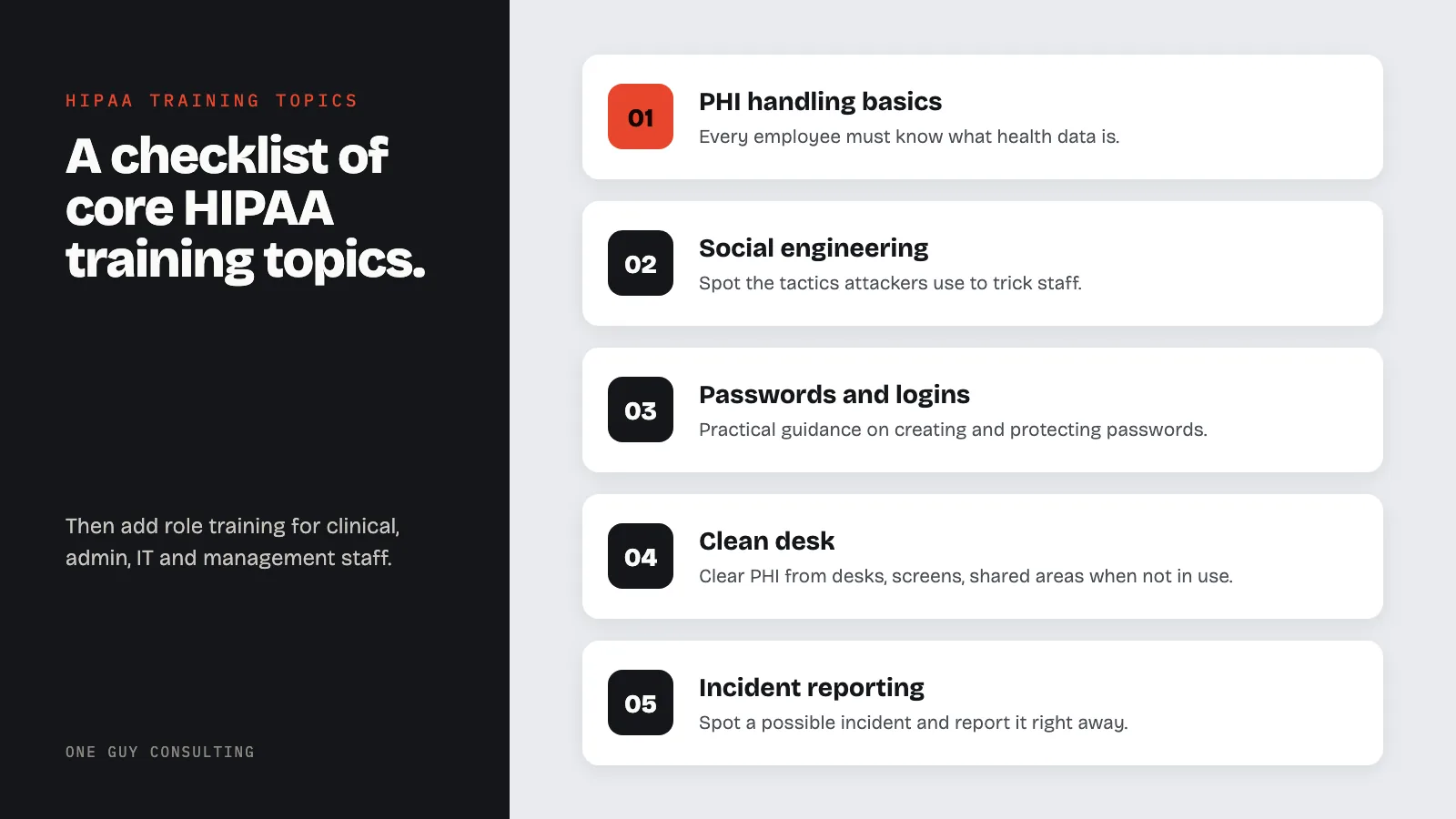
Employee HIPAA training should cover six core topics: PHI handling, social engineering, password security, clean desk and physical security, social media, and incident reporting. Then add role training for clinical, administrative, IT, and management staff. HIPAA requires training within a reasonable time after someone joins your team. It also requires training after important policy changes that affect their job.
Employee HIPAA Training: Essential Topics to Cover
Why HIPAA Training Matters
Good employee HIPAA training starts with the right topics. Too many practices give generic content that doesn't connect to daily work. The result is staff who pass a quiz but miss a real threat.
Targeted training helps employees know the rules and how to use them. This guide gives you a full checklist of core HIPAA training topics. Use it to audit your current program, build a new one, or fill in gaps.
For a complete guide to building your program, see our HIPAA training program setup guide.
Core Training Topics Checklist
PHI Handling Fundamentals
Every employee must know what health data is. This is the non-negotiable base of every HIPAA training program. All roles need this foundation.
Essential PHI training content:
- Definition of PHI: Any individually identifiable health information held or sent by a covered entity or a business associate, in any form. A covered entity is a health plan, a healthcare clearinghouse, or a provider that bills electronically.
- The 18 HIPAA identifiers: Names, dates, phone numbers, email addresses, Social Security numbers, medical record numbers, and the other details on HIPAA's list of 18 that can tie data to a specific person.
- PHI in all forms: digital, paper, and verbal. Employees must spot PHI no matter the format.
- Minimum Necessary Standard: Access, use, and share only the least amount of PHI needed for the task.
- Permitted shares: Treatment, payment, and healthcare operations, plus other legally allowed shares.
- Authorization rules: When you need a patient's written permission (called an authorization) before sharing PHI.
- De-identification: What makes data truly de-identified under HIPAA and safe to share more broadly.
Practical exercises:
- Show real-world scenarios and ask employees to spot what counts as PHI.
- Show examples of poorly redacted records and ask what data is still exposed.
- Practice applying the Minimum Necessary Standard to common work situations.
Social Engineering Awareness
Social engineering is a common way attackers get into healthcare systems. Employees must spot the tactics attackers use to trick them. These tricks often lead to PHI exposure or stolen passwords.
Key social engineering topics:
- Phishing emails: How to spot suspicious emails, confirm sender identity, and report phishing attempts.
- Spear phishing: Targeted attacks that use personal details to look real.
- Vishing (voice phishing): Phone-based tricks, including callers posing as patients, vendors, or regulators.
- Pretexting: Attackers creating fake stories to gain trust and pull out information.
- Baiting: Physical media (USB drives) or digital offers designed to compromise systems.
- Tailgating: Unauthorized people following authorized staff into secure areas.
Training approach:
- Use real examples of healthcare phishing attacks that led to breaches.
- Run regular phishing simulations to test and reinforce knowledge.
- Teach the "stop, think, verify" method for suspicious messages.
- Give clear steps for reporting suspected social engineering attempts.
Password Security and Access Management
Weak passwords and poor access habits can lead to HIPAA breaches. Every employee needs practical guidance on creating and protecting their passwords and logins. Good habits here prevent many breaches.
Password security topics:
- Strong password rules: Length, complexity, and uniqueness standards.
- Password managers: How and why to use approved password tools.
- Multi-factor authentication (MFA): What it is, why it matters, and how to use it.
- Never share passwords or logins: No exceptions, no matter who asks or why.
- Account lockout steps: What to do if your account is locked and how to request a reset.
- Session management: Lock screens when stepping away. Log out when finished. Never leave active sessions unattended.
Clean Desk and Physical Security
Physical security is easy to overlook when everyone focuses on cyber threats. But lost or stolen paper records and devices can still cause HIPAA breaches. For a full overview of physical safeguard rules, see our guide on physical safeguards.
Clean desk and physical security topics:
- Clear workstations: Remove all PHI from desks, screens, and shared areas when not in active use.
- Screen positioning: Angle monitors away from public view and use privacy screens where needed.
- Secure printing: Use pull-print features or collect records right away from shared printers.
- Locked storage: Secure paper records in locked cabinets, drawers, or rooms when not in use.
- Secure disposal: Shred paper with PHI. Use approved methods for digital media disposal.
- Visitor management: Challenge unfamiliar people, escort visitors, and never hold doors open for unknown persons.
Social Media Guidelines
Social media creates unique HIPAA risks that many employees miss. A single careless post can cause a breach affecting many patients. Review our full HIPAA social media compliance guide for detailed policies. Train staff to pause before posting anything work-related.
Social media training content:
- Never post patient information: No photos, names, conditions, or any identifiable patient details on personal or professional social media.
- Workplace photos: Background elements in work photos may reveal PHI on screens, whiteboards, or charts.
- Venting about work: Discussing specific patient situations, even without names, can be a HIPAA breach if the patient is identifiable.
- Professional social media: Even LinkedIn posts must avoid specific patient details.
- Practice social media policy: Review and acknowledge the specific social media rules your practice has set.
Incident Reporting
Fast incident reporting is key for stopping breaches and meeting compliance rules. Employees must know how to spot a possible incident. They also must know how to report it right away.
Incident reporting training topics:
- What counts as a reportable incident: Unauthorized access, sharing, lost devices, suspicious emails opened, misdirected communications, and any event that may expose PHI.
- Reporting steps: Exactly how to report an incident, who to contact, and what details to provide.
- Reporting timelines: Report right away. Delays increase harm and compliance risk.
- No-retaliation policy: Employees will not be punished for good-faith reporting, even if the incident was their own mistake.
- What happens after reporting: Walk through the review and response process so employees know their report is taken seriously.
A strong reporting culture builds a solid compliance culture across the practice.
Role-Specific Training Topics
Clinical Staff
Clinical staff interact with PHI constantly and face unique compliance challenges. Train them on topics specific to patient care settings.
- Verbal shares in clinical settings and how to reduce incidental shares.
- When you need a patient's written permission (an authorization) before sharing PHI.
- Handling patient requests for records, amendments, and restrictions.
- Telehealth-specific privacy rules.
- Communicating with family members and caregivers.
- Research-related PHI use and de-identification.
Administrative Staff
Administrative staff handle PHI in billing, scheduling, registration, and communications. Their training must reflect those specific tasks.
- Verification steps before releasing information over the phone or in person.
- Fax, mail, and email rules for sending PHI.
- Waiting room and reception area privacy practices.
- Patient sign-in sheet management.
- Billing and insurance communication standards.
- Record request fulfillment steps.
IT and Technical Staff
IT staff set up and keep the tech controls that protect digital PHI. Their training should go beyond Security Rule setup basics. They need practical, technical content.
- Technical safeguard setup and upkeep.
- Access provisioning and de-provisioning steps.
- Encryption setup for data at rest and in transit.
- Audit log review and tracking.
- Incident detection and tech response steps.
- Patch management and fixing known security weak points.
- Secure development practices for in-house applications.
Management and Leadership
Managers and executives have extra compliance duties tied to oversight and enforcement. Train them on their specific duties.
- Compliance program oversight and clear ownership.
- Resource allocation for compliance actions.
- A sanctions policy, which sets the penalties staff face for breaking privacy rules, applied the same way every time.
- Business associate oversight and vendor management.
- Reporting duties required by law.
- Creating a culture of compliance within their teams.
Training Frequency and Scheduling
Sample Training Schedule
| Training Type | Frequency | Duration | Audience |
|---|---|---|---|
| New hire orientation | Upon hire (before PHI access) | 60-90 minutes | All new team members |
| Annual refresher | Annually | 30-45 minutes | All team members |
| Role-specific modules | Annually or upon role change | 20-30 minutes | Targeted by role |
| Security awareness updates | Monthly | 5-10 minutes | All team members |
| Phishing simulations | Quarterly | N/A (simulation) | All team members with email access |
| Incident-triggered training | As needed | Varies | Affected individuals or departments |
Keeping Training Current
Training content must change to stay useful. Update your training materials when any of the following happen:
- Changes to HIPAA rules or official guidance.
- New threats or attack techniques targeting healthcare.
- Internal policy changes.
- Major breach incidents (internal or publicized external incidents).
- New technology that changes PHI workflows.
- Employee feedback showing confusion or knowledge gaps.
Engagement Techniques
Making Training Stick
The biggest challenge in compliance training is keeping people engaged. Adults learn best when content is relevant and interactive. Training must connect directly to their daily work.
Useful engagement techniques:
- Scenario-based learning: Show realistic work situations and ask employees to make compliance decisions.
- Gamification: Points, badges, and leaderboards can boost completion rates and engagement.
- Microlearning: Short, focused modules (5-10 minutes) delivered often work better than annual marathon sessions.
- Video content: Short videos showing real scenarios are more engaging than text-heavy slides.
- Group discussions: Hold department-level discussions about compliance challenges specific to their work.
- Real breach case studies: Use publicized OCR enforcement actions to show consequences and lessons learned.
- Quizzes with immediate feedback: Explain both correct and incorrect answers to reinforce learning.
- Peer teaching: Have experienced staff share compliance tips with newer team members.
HIPAA Training FAQ
What is the minimum HIPAA training required for employees?
At minimum, all team members must be trained on HIPAA policies relevant to their job. This means knowing what PHI is, how to handle it, and when shares are allowed. Train new staff within a reasonable time after they start. When an important policy change affects someone's job, train them on it within a reasonable time after it takes effect.
Employees must also know how to report incidents and the consequences of non-compliance. HIPAA does not set a yearly schedule. Still, many practices run refresher training every year as a best practice.
Should HIPAA training be the same for every employee?
No. All employees need core training on PHI, patient rights, and incident reporting. But training should match the specific risks and duties of each role. A nurse needs different training than a billing specialist or an IT administrator.
Role-based training increases how relevant and effective the content is.
How do we track employee HIPAA training completion?
Use a learning management system (LMS) or compliance platform. It should track completion dates, scores, and status. It should also generate reports by department, role, and person. Keep training records for at least six years, as HIPAA requires.
See our HIPAA documentation requirements guide for full recordkeeping guidance.
What should we do if an employee fails a HIPAA training test?
Set a clear policy for test failures. Have the employee review the material and retake the test within a set timeframe. If they fail again, escalate to their supervisor and add one-on-one training.
Document all remedial training efforts as part of the employee's compliance record.
How can we make HIPAA training less boring?
Focus on relevance and practice. Replace legal jargon with plain language. Use real scenarios from the employees' actual work setting. Include quizzes, discussions, and practice exercises.
Keep modules short and focused. Use video and visual content where possible. Share real breach stories and their consequences. When employees see how training connects to their daily work, engagement goes up.
Training Program Takeaways
Covering the right topics is the base of effective HIPAA training. A solid curriculum covers PHI basics, security awareness, physical security, social media risks, and incident reporting. Staff trained on these topics can spot threats and respond the right way.
Review your current program against the checklist in this guide. Find topics you are not covering well. Update your content to include practical scenarios and interactive elements. Deliver training at the right frequency to keep knowledge high without creating fatigue. See our guide on HIPAA staff training requirements for small practices for specific scheduling details.
One Guy Consulting includes staff training and progress tracking in its compliance portal. The portal also sends each employee an annual training reminder email. On the Full-Scope plan, Chuck guides training delivery.
Explore HIPAA training to improve your training program. Or explore our complete HIPAA training setup guide for the full program framework. Related training requirements: fraud, waste, and abuse training and bloodborne pathogen training.
By the numbers: From April 2003 through October 31, 2024, OCR received more than 374,000 HIPAA complaints, according to HHS Enforcement Highlights. HIPAA requires you to keep records showing your training happened.
Key stat: 45 CFR 164.530(b) requires HIPAA training for all workforce members within a reasonable period after joining and whenever material changes affect their functions. HIPAA also requires you to document that the training happened.